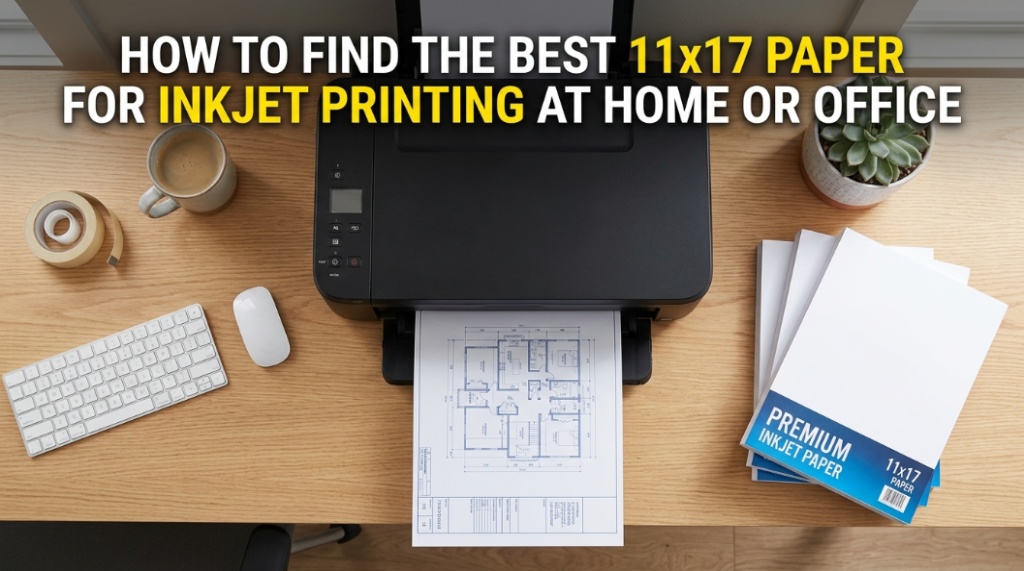
Most people blame their printer when colors look dull, ink bleeds through pages, or presentation sheets curl at the edges. In reality, poor paper choice ruins more inkjet prints than cheap printers ever do. Choosing bright white paper and premium printer sheets designed for 11×17 inkjet printing instantly improves color sharpness, drying speed, and print durability without upgrading your printer.
What Is 11×17 Paper for Inkjet Printing?
11×17 paper, often called tabloid paper, is a larger printing format commonly used for presentations, architectural plans, marketing materials, spreadsheets, posters, and design proofs. For inkjet printing, paper quality directly affects color accuracy, ink absorption, and print clarity.
Unlike standard letter-size sheets, 11×17 paper gives extra room for visuals, charts, and detailed graphics. That makes paper selection more important because low-grade sheets can cause smudging, feathering, and uneven ink distribution.
Home users often choose cheap copy paper to save money. That creates problems like:
- Washed-out colors
- Paper curling after printing
- Ink bleeding
- Slow drying times
- Frequent paper jams
- Low-quality presentation output
Using premium printer sheets solves most of these issues immediately.
Why Does Bright White Paper Matter for Inkjet Printing?
Bright white paper improves contrast, color vibrancy, and readability. Higher brightness levels help inkjet printers produce sharper text and more accurate images.
Brightness ratings usually range from 84 to 100. Paper with a brightness score above 96 produces cleaner graphics and deeper blacks. That matters for:
- Business presentations
- CAD drawings
- Photo-heavy reports
- Marketing flyers
- Posters
- School projects
According to printing industry testing by paper manufacturers and imaging labs, brighter paper increases perceived print quality because reflected light enhances color separation and text sharpness.
Many office users confuse brightness with whiteness. They are different:
| Feature | Brightness | Whiteness |
|---|---|---|
| Purpose | Measures light reflection | Measures color tone |
| Impact | Sharper prints | Cleaner visual appearance |
| Best For | Inkjet graphics and text | Professional presentation materials |
How Do You Choose Premium Printer Sheets for 11×17 Printing?
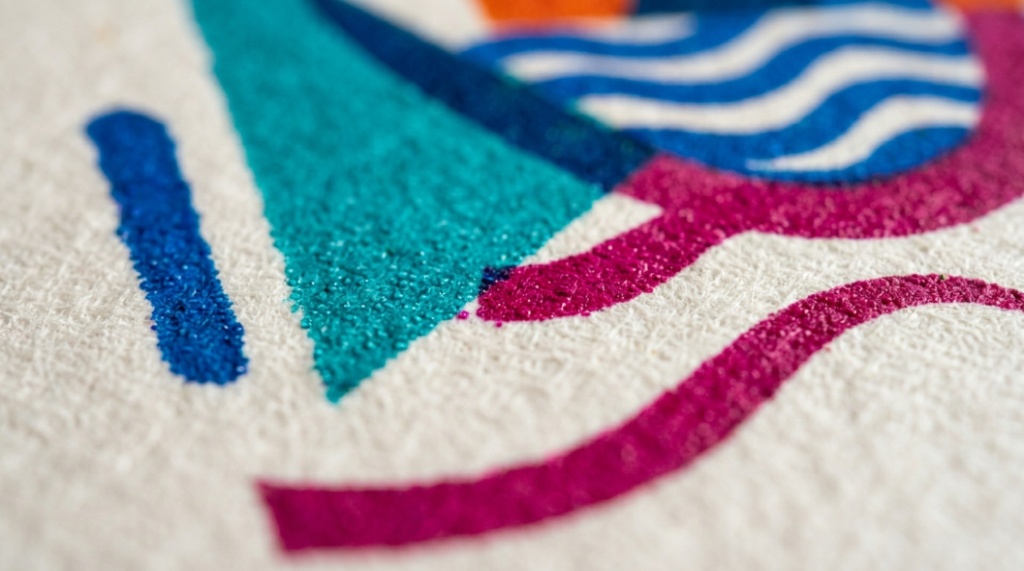
The best premium printer sheets combine brightness, weight, coating quality, and ink absorption. Choosing the wrong combination can reduce print performance even with a high-end printer.
What Paper Weight Works Best for Inkjet Printing?
Paper weight affects durability, feel, and ink handling. Heavier sheets reduce curling and improve professional appearance.
- 20 lb paper: Basic office documents
- 24 lb paper: Professional reports and presentations
- 28 lb paper: Premium marketing materials
- 32 lb paper: High-end photo and graphic printing
For most home offices, 24 lb bright white paper provides the best balance between performance and affordability.
Should You Use Coated or Uncoated Paper?
Coated paper produces sharper image reproduction, while uncoated paper is better for everyday documents and writing.
| Paper Type | Best Use | Advantages |
|---|---|---|
| Coated | Photos and graphics | Sharp color detail |
| Matte coated | Professional reports | Less glare |
| Glossy coated | Posters and marketing | High color vibrancy |
| Uncoated | General office printing | Lower cost and easy handling |
Which Features Matter Most When Buying 11×17 Inkjet Paper?
The most important features are brightness, opacity, paper weight, drying speed, and compatibility with your printer.
Why Is Opacity Important?
Opacity determines how much text or graphics show through from the opposite side of the page. High-opacity sheets reduce transparency and improve double-sided printing.
Low-opacity paper often creates:
- Distracting shadows
- Unreadable charts
- Poor presentation quality
- Messy double-sided prints
Premium printer sheets typically offer higher opacity ratings than cheap copier paper.
How Does Ink Absorption Affect Print Quality?
Ink absorption controls drying speed and sharpness. Poor absorption causes bleeding and fuzzy edges.
Good inkjet paper uses engineered fiber structures that:
- Control ink spread
- Improve line definition
- Reduce smearing
- Increase drying speed
This is especially important for large-format graphics and detailed spreadsheets.
What Are the Best Uses for 11×17 Bright White Paper?
11×17 bright white paper works best for projects requiring large visuals, professional appearance, and high readability.
Can You Use 11×17 Paper for Business Presentations?
Yes. Larger paper size improves chart visibility and gives presentations a professional look. Financial firms, marketing agencies, and design studios frequently use tabloid-size prints for client meetings.
Benefits include:
- Larger graphs and diagrams
- Better readability
- Improved branding visuals
- Cleaner layout organization
Is 11×17 Paper Good for Art and Design Projects?
Graphic designers and illustrators often use premium printer sheets because they handle heavy ink coverage without warping.
Popular creative applications include:
- Portfolio prints
- Poster mockups
- Comic layouts
- Architectural drawings
- Photography proofs
What Printer Settings Improve Inkjet Results on 11×17 Paper?
Correct printer settings improve color accuracy, reduce ink waste, and prevent paper jams.
Which Print Settings Should You Change?
Always match printer settings to the paper type you use.
- Select “Best” or “High Quality” print mode
- Choose correct paper weight setting
- Enable borderless printing if supported
- Use manufacturer-recommended media type
- Adjust color profile for graphics-heavy prints
Incorrect settings can oversaturate paper and cause curling.
Does Printer Brand Matter?
Yes. Inkjet brands like Canon, Epson, and HP optimize print profiles differently.
For example:
- Canon PIXMA printers often perform well with glossy coated sheets
- Epson EcoTank printers handle matte presentation paper efficiently
- HP OfficeJet models balance office printing and graphics output
How Can You Prevent Ink Smudging on Premium Printer Sheets?
Using correct paper storage and printer settings prevents most smudging problems.
Why Does Ink Smudge on Large Paper?
Large-format sheets hold more ink coverage, increasing drying time. Humidity also affects paper fibers.
Common causes include:
- Cheap low-density paper
- Wrong print mode
- High humidity
- Excessive ink saturation
- Improper paper handling
How Should You Store 11×17 Paper?
Store paper flat in a cool, dry environment away from sunlight and moisture.
Best practices:
- Keep sheets sealed until use
- Avoid humid rooms
- Use original packaging
- Store horizontally
Paper absorbs moisture quickly, which can lead to curling and feeding issues.
What Is the Difference Between Cheap Copy Paper and Premium Printer Sheets?
Premium printer sheets deliver better print clarity, stronger durability, and more accurate color output than standard copy paper.
| Feature | Cheap Copy Paper | Premium Printer Sheets |
|---|---|---|
| Brightness | 84–92 | 96–100 |
| Ink Handling | Basic absorption | Controlled absorption |
| Opacity | Lower | Higher |
| Durability | Thin and flexible | Thicker and stronger |
| Best Use | Draft printing | Professional output |
For occasional home printing, cheap paper may seem acceptable. But for professional presentations or graphics, premium sheets create a visible quality difference.
Which Paper Finish Is Best for Different Printing Needs?
The best paper finish depends on your project type and viewing environment.
When Should You Use Matte Paper?
Matte paper works best for reports, presentations, and readable graphics because it reduces glare.
Ideal uses include:
- Business proposals
- Architectural layouts
- Educational charts
- Training materials
When Is Glossy Paper Better?
Glossy paper enhances photo quality and color vibrancy. It works well for:
- Posters
- Marketing flyers
- Photography prints
- Portfolio visuals
However, glossy sheets often show fingerprints and reflections under bright lighting.
How Much Should You Spend on 11×17 Inkjet Paper?
Most users should focus on value rather than choosing the cheapest option. Mid-range bright white paper often delivers the best cost-to-quality balance.
Is Expensive Paper Worth It?
Yes, especially for presentations, marketing materials, and image-heavy printing.
Premium sheets reduce:
- Reprints caused by poor quality
- Ink waste
- Paper jams
- Smudging problems
That lowers long-term printing costs.
What Is a Good Budget Range?
Typical pricing for quality 11×17 paper:
- Basic office grade: low cost
- Bright white premium sheets: medium cost
- Photo-grade coated paper: high cost
For most offices, 24 lb bright white paper provides the best return on investment.
Can You Use 11×17 Paper in Standard Home Printers?
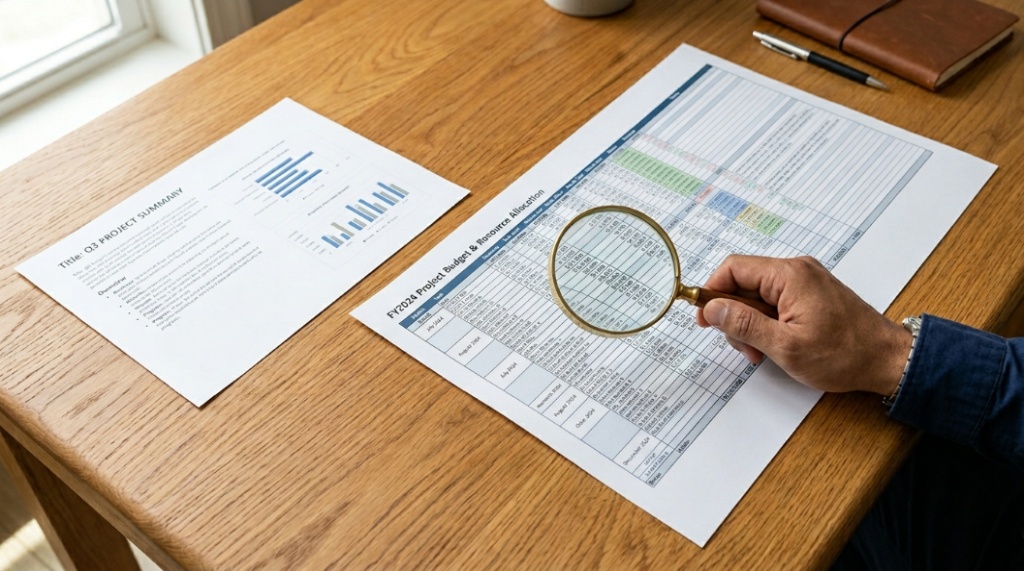
Only printers with tabloid-size support can handle 11×17 paper. Always check printer specifications before buying paper.
How Do You Know If Your Printer Supports 11×17?
Look for terms like:
- Tabloid printing
- Ledger size support
- A3 capability
- Wide-format printing
Compact home printers usually support only letter and legal sizes.
What Happens If Paper Size Is Unsupported?
Unsupported sizes can cause:
- Paper jams
- Alignment errors
- Cut-off graphics
- Feeding failures
How Do Professionals Choose Bright White Paper for Large Prints?
Professionals prioritize print consistency, archival quality, and color reproduction.
Design agencies, print studios, and architecture firms often test paper using:
- Color calibration charts
- Ink drying comparisons
- Opacity testing
- Durability checks
Many professionals prefer acid-free premium printer sheets because they resist yellowing over time.
This matters for:
- Client presentations
- Long-term document storage
- Art portfolios
- Display prints
What Common Mistakes Should You Avoid When Buying Inkjet Paper?
The biggest mistake is choosing paper based only on price.
What Are the Most Common Buying Errors?
- Ignoring printer compatibility
- Buying low-brightness paper
- Using laser paper in inkjet printers
- Choosing glossy paper for text-heavy documents
- Ignoring humidity conditions
- Using lightweight sheets for graphics
Small paper quality upgrades often create bigger print improvements than expensive printer upgrades.
Conclusion
Finding the best 11×17 paper for inkjet printing comes down to matching paper quality with your printing needs. Brightness, weight, opacity, and coating all affect final print performance. Cheap copier sheets may work for drafts, but they often fail during presentations, graphic printing, or professional projects.
For most home offices and businesses, bright white paper with a 24 lb or higher weight delivers the best balance between sharpness, durability, and affordability. Premium printer sheets improve color accuracy, reduce smudging, and help inkjet printers produce cleaner output with less waste.
If you regularly print reports, posters, architectural layouts, or marketing materials, investing in better paper saves time and improves results immediately. Instead of troubleshooting blurry prints or paper jams, you get sharper text, richer colors, and more reliable performance from every page.
Choose paper intentionally, match it with proper printer settings, and your inkjet printer will produce output that looks significantly more professional.
FAQ: Best 11×17 Paper for Inkjet Printing
What is the best brightness level for inkjet paper?
A brightness rating between 96 and 100 produces sharper text, stronger contrast, and more vibrant colors for inkjet printing.
Can regular copy paper be used for 11×17 printing?
Yes, but standard copy paper often causes lower image quality, ink bleeding, and curling during high-coverage printing.
Which paper weight is best for presentations?
24 lb to 32 lb paper works best for professional presentations because it feels sturdier and handles ink more effectively.
Is glossy paper better than matte paper for inkjet printers?
Glossy paper is better for photos and marketing graphics, while matte paper works better for readable documents and reports.
Why does ink smear on large-format paper?
Ink smearing usually happens because of slow drying, excess ink saturation, poor paper coating, or high humidity exposure.
Does premium paper reduce printer problems?
Yes. Premium printer sheets reduce curling, feeding issues, paper jams, and uneven ink absorption.
Can all printers handle 11×17 paper?
No. Only printers with tabloid, ledger, A3, or wide-format support can print on 11×17 paper.
📌 Related Reads
Discover: How to Improve Business Resilience with Adaptability and Innovation Skills
Explore: Six surface treatments used in aerospace applications